Demo
A walkthrough of the current Thalamus MVP running on a Gardener-managed cluster in the SAP Cloud Infrastructure.
Stack Deployment
The full Thalamus stack is deployed on a Gardener-managed Kubernetes cluster via Helm charts that install the gateway infrastructure alongside the Thalamus operator and inference gateway. To deploy the Thalamus stack onto your own Kubernetes cluster, head over to the Getting Started guide.
Model CRD
Inference instances in Thalamus are declared as Kubernetes resources using the thalamus.cloud/v1alpha1 Model CRD. Each Model manifest captures the full lifecycle of an inference workload in a single, version-controlled object. The Thalamus operator reconciles a Model into the resources required for LLM inference and then updates the Model status to reflect the actual phase: Creating, Ready, Inactive, or Failed.
Applying a Model
The recording below applies a GPU model (Qwen/Qwen3.6-27B) and watches the operator create the child resources.

From Creating to Ready
Model startup includes pulling the engine image, downloading model weights, loading the model in VRAM, and getting the routing resources setup. Once all requirements are met for the Model to process requests, its phase becomes Ready.
Models can be queried through the OpenAI-compatible endpoint, while non-ready instances are not exposed to users:

See the Model CRD API Reference for the full field specification.
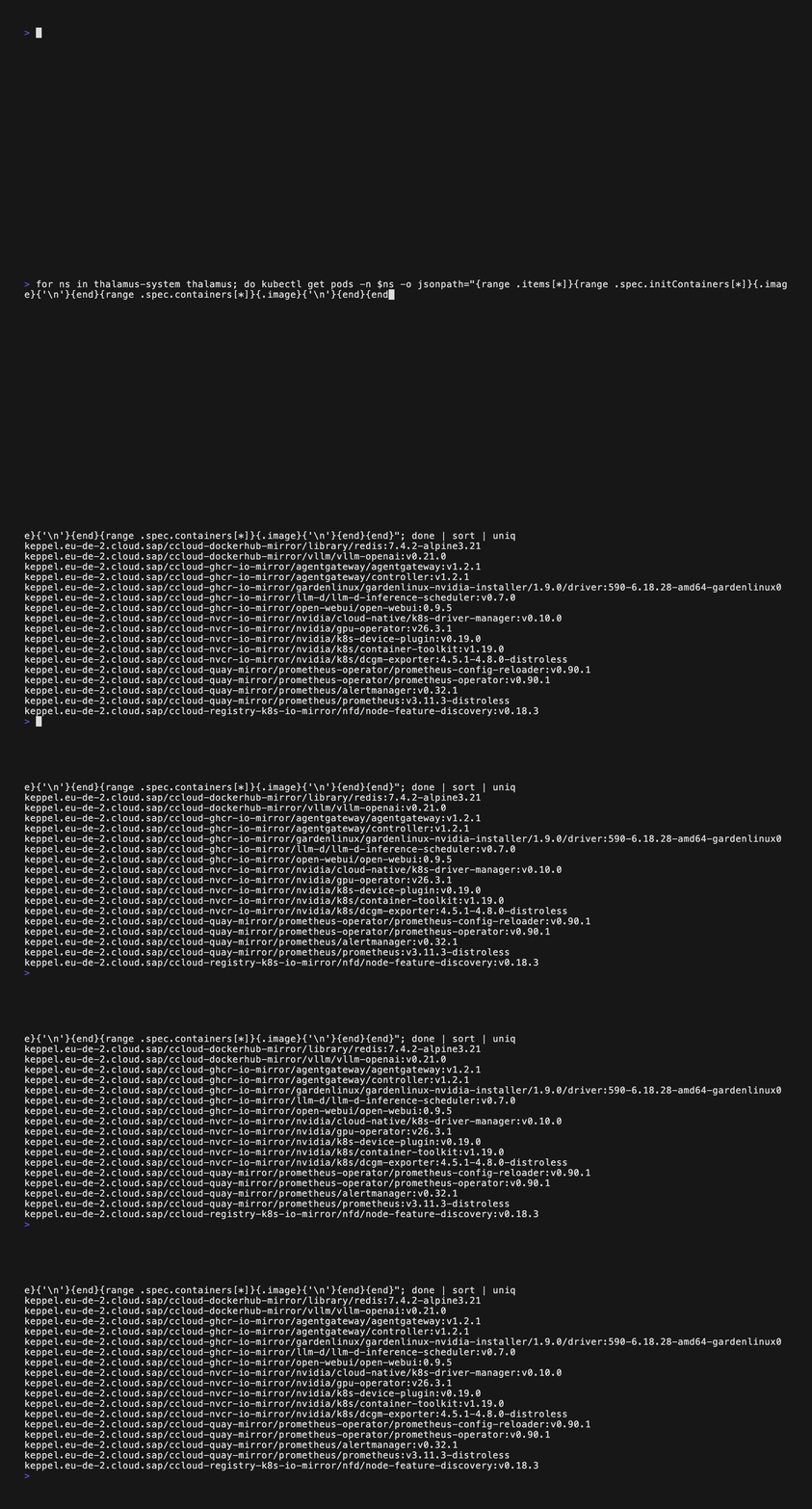
Container Images in Keppel
In the MVP deployment, all container images are stored in and served from SAP's internal OCI registry called Keppel which marks an important step towards supporting air-gapped environments.
Accessing Thalamus
Thalamus exposes two access paths: a simple to access, browser-based chat frontend, and an OpenAI-compatible API endpoint for programmatic access.
Frontend — Open WebUI
Thalamus provides a chat interface which has the option to integrate with an identity provider, allowing for direct access without any additional tooling or credentials setup.
API Endpoint — OpenCode
The inference gateway exposes an OpenAI-compatible API, making it a drop-in replacement for any OpenAI SDK client. The recording below shows OpenCode configured to use the Thalamus endpoint and sending a prompt to the gpt-oss-120b model.